
How QR Codes Actually Work (Explained Like You're 10)
No technical jargon. No boring theory. Just a simple explanation of how those little black squares magically open websites.

QR Junction Team
Experts in QR code technology and digital solutions
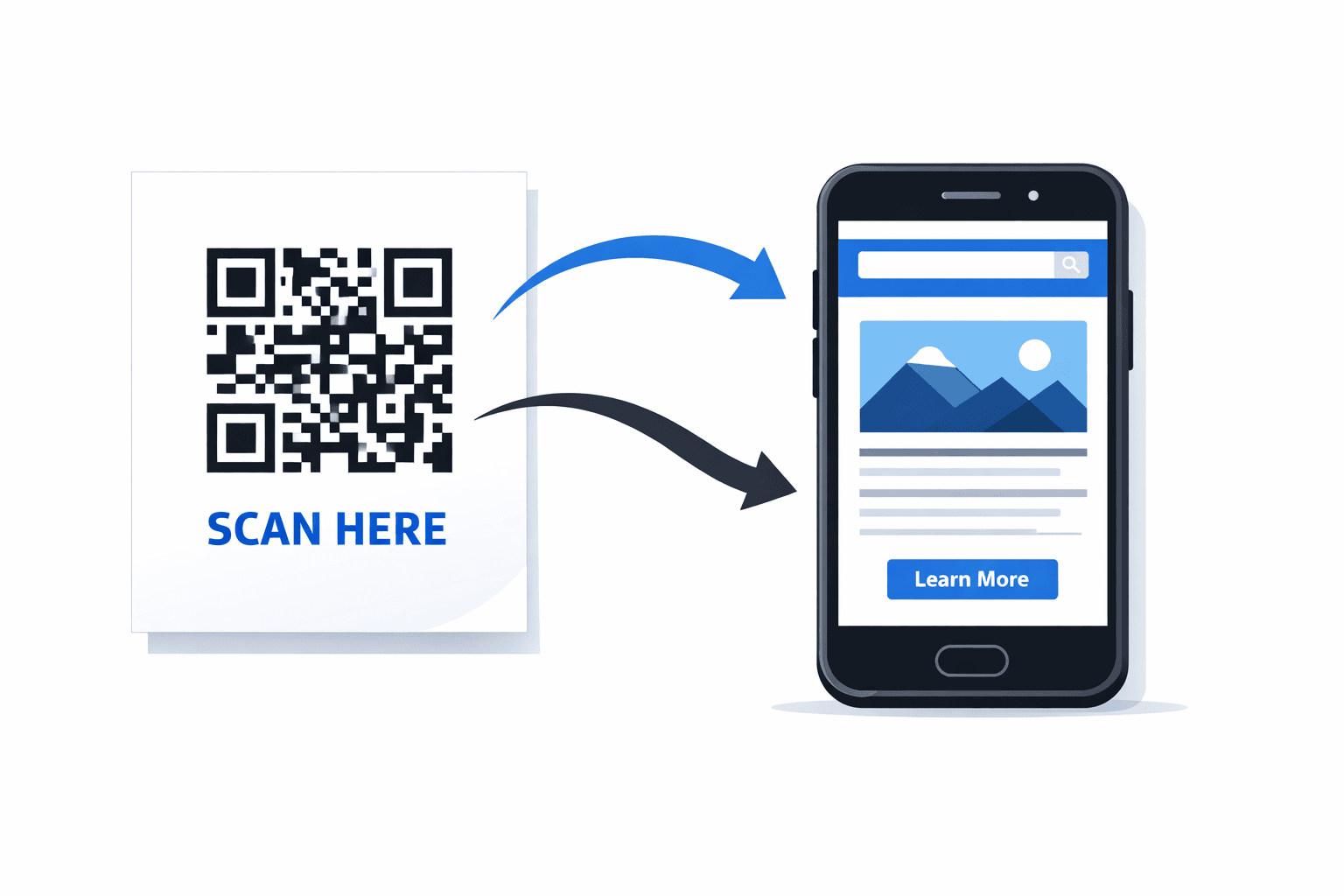
Okay, imagine you're holding your phone. You see a weird black-and-white square printed on a menu, a poster, or a product box. You open your camera, point it at the square, and boom — a website opens.
Feels like magic, right?
But it's not magic. It's not some mysterious technology either. It's just really smart design — the kind of smart that makes your life easier without you even noticing.
Once you understand how QR codes actually work, you'll realize they are one of the simplest inventions around. And you'll also start seeing them everywhere — because honestly, once you know what they do, they're incredibly useful.
Let's explain this like you're 10 years old. Deal?
What Is Actually Inside a QR Code?
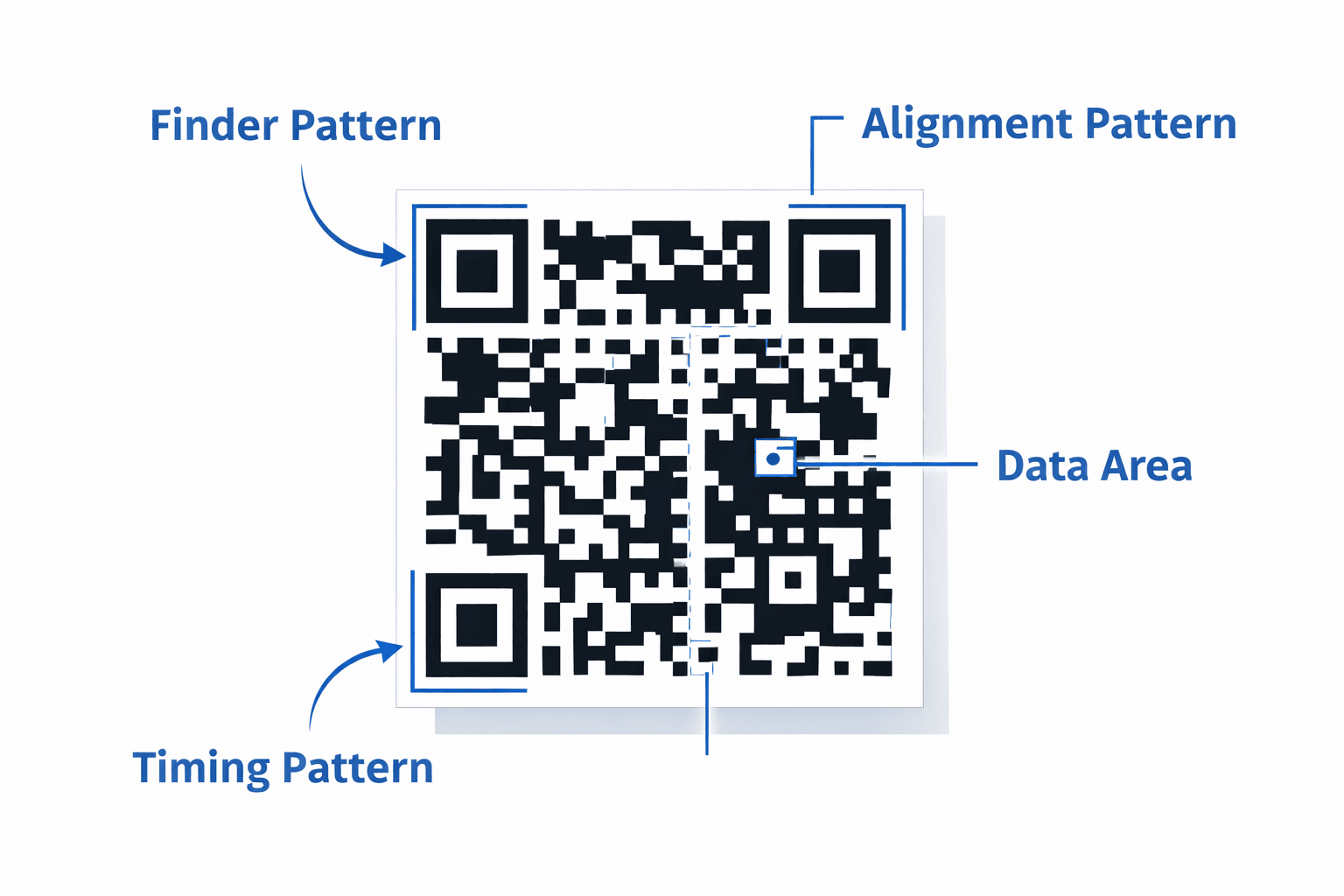
A QR code is basically a tiny box filled with data. That's really all it is.
That data could be a website link, plain text, a phone number, a payment ID, a WiFi password, your business contact card, or literally anything else that can be written down digitally.
Now here's the interesting part — those small black squares you see inside the QR code? Each one of them represents binary data. Binary means 0s and 1s. Think of each black square as a '1' and each white space as a '0'. Together, those patterns of 0s and 1s form a code that your phone can read and translate.
The QR code was actually invented in 1994 by a Japanese company called Denso Wave. They originally designed it to track car parts in factories. Today, billions of people use them every day without even thinking about it.
But don't worry. You don't need to understand binary numbers, Japanese engineering history, or any complicated stuff to use QR codes. Your phone does all the hard work — automatically, in less than a second.
How Does Your Phone Read It?
When you point your camera at a QR code, the first thing your phone does is recognize the square shape. Those three big square corners you always see in QR codes? Those are called finder patterns. They exist specifically so your phone can instantly identify where the QR code begins and ends — no matter which angle you're holding your phone at.
Once the camera locks on, your phone analyzes the full pattern of black and white boxes inside. It reads each row and column systematically, almost like how you'd read words on a page — just much, much faster.
The scanner then converts those visual patterns into digital data — turning the squares back into the original information that was encoded into the QR code.
If that data happens to be a website link, your phone simply passes it to your browser and opens it automatically.
If it's a phone number, it prepares a call. If it's a WiFi password, it connects. The phone knows what to do because the data itself tells it what type of information it is.
So technically, your phone is just doing a very fast translation job — squares in, information out.
Why Is It So Fast?
QR codes were specifically designed to be scanned at speed — in busy factories, on moving products, and in real-world conditions where things aren't always perfect.
One of the most impressive features of QR codes is their built-in error correction. This means even if part of the QR code is scratched, smudged, torn, or partially covered, your phone can still read it correctly. The code contains extra, redundant data that allows it to reconstruct missing pieces on the fly.
Depending on the error correction level chosen when the QR code was created, a QR code can remain fully scannable even when up to 30% of it is damaged or hidden. That's why you sometimes see QR codes with a logo placed right in the middle — the logo covers part of the code, but error correction fills in the gaps.
This combination of smart design and error correction is why scanning feels instant. Your phone doesn't struggle. It just reads.
- Can be scanned from any angle — the finder patterns guide your camera automatically
- Works even if partially damaged — built-in error correction recovers missing data
- Stores significantly more data than traditional barcodes — up to 4,000 characters
- Readable in low light conditions — most phone cameras handle this easily
What Happens After You Scan?
Here's the part most people don't think about — what actually happens in those milliseconds after your phone reads the QR code.
After scanning, your phone decodes the data stored in the QR code. Then it looks at what type of data it is and performs the action that matches.
If it's a URL → your browser opens and loads the website.
If it's contact info → a pop-up appears asking if you want to save the contact to your phone.
If it's WiFi credentials → your phone asks if you want to connect to that network automatically.
If it's a payment link → your payments app opens, pre-filled with the amount and recipient details.
If it's plain text → it simply displays the text on your screen.
The important thing to understand is this: the QR code itself does nothing active. It's passive. It just stores instructions quietly, waiting to be read. Your phone is the one that actually performs the action.
Think of the QR code like a note someone left on your desk. The note doesn't do anything on its own. But when you read it and follow the instructions, things happen.
Think of It Like This
A QR code is like a shortcut button — except instead of being on your keyboard or phone screen, it's printed in the real world.
Imagine you had to type out a 60-character website address every time you wanted to visit a site. That would be annoying and slow. A QR code lets you skip all that. You scan, and you're there.
It's the same reason we use bookmarks in browsers. We don't want to type the same address again and again. A QR code is just a physical version of that same idea — a bookmark that exists in the real world, on paper, on screens, on packaging, and on walls.
Scan → Action happens. That's the whole story.
QR codes don't perform actions. They simply tell your device what action to perform.
Final Thoughts
QR codes are not complicated. They're not mysterious. They're not some advanced technology that only engineers understand. They are simply visual containers for digital information — a way to store a link, a message, or data in a shape that any camera can read.
Once you understand that, they stop feeling magical — and start feeling powerful. Because now you realize you can use them for almost anything. Sharing your business contact. Sending someone to your website. Connecting guests to your WiFi. Offering a discount. Collecting feedback. The possibilities are genuinely endless.
And the best part? You can create your own QR code in literally seconds. No technical knowledge required.
Try creating your own QR code now at qrjunction.in
Create custom vector patterns, integrate dynamic redirection endpoints, and view details.