
QR Codes for Business Cards: The Complete Guide
A business card without a QR code in 2026 is a missed opportunity. Here's how to add one that actually does something useful.

QR Junction Team
Experts in QR code technology and digital solutions
Business cards still matter. In networking meetings, conferences, sales calls, and chance encounters — handing someone a card is still one of the most personal and memorable ways to make a professional impression.
But a standard business card has a serious limitation: it's static. The phone number on it either works or it doesn't. The website either exists or it doesn't. If anything changes, the card is obsolete.
A QR code on your business card turns that static piece of paper into a live, dynamic digital connection. The card stays the same. The destination can evolve.
This guide covers everything: what to link to, how to add one properly, and why dynamic QR codes are the only sensible choice for professional use.
What Should Your Business Card QR Code Link To?
This is where most people get it wrong. They link to their homepage and call it a day. That's a wasted opportunity.
Think about what someone actually does after they receive your card: they want to know more about you, connect with you, or reach you. Your QR code should make at least one of those actions effortless.
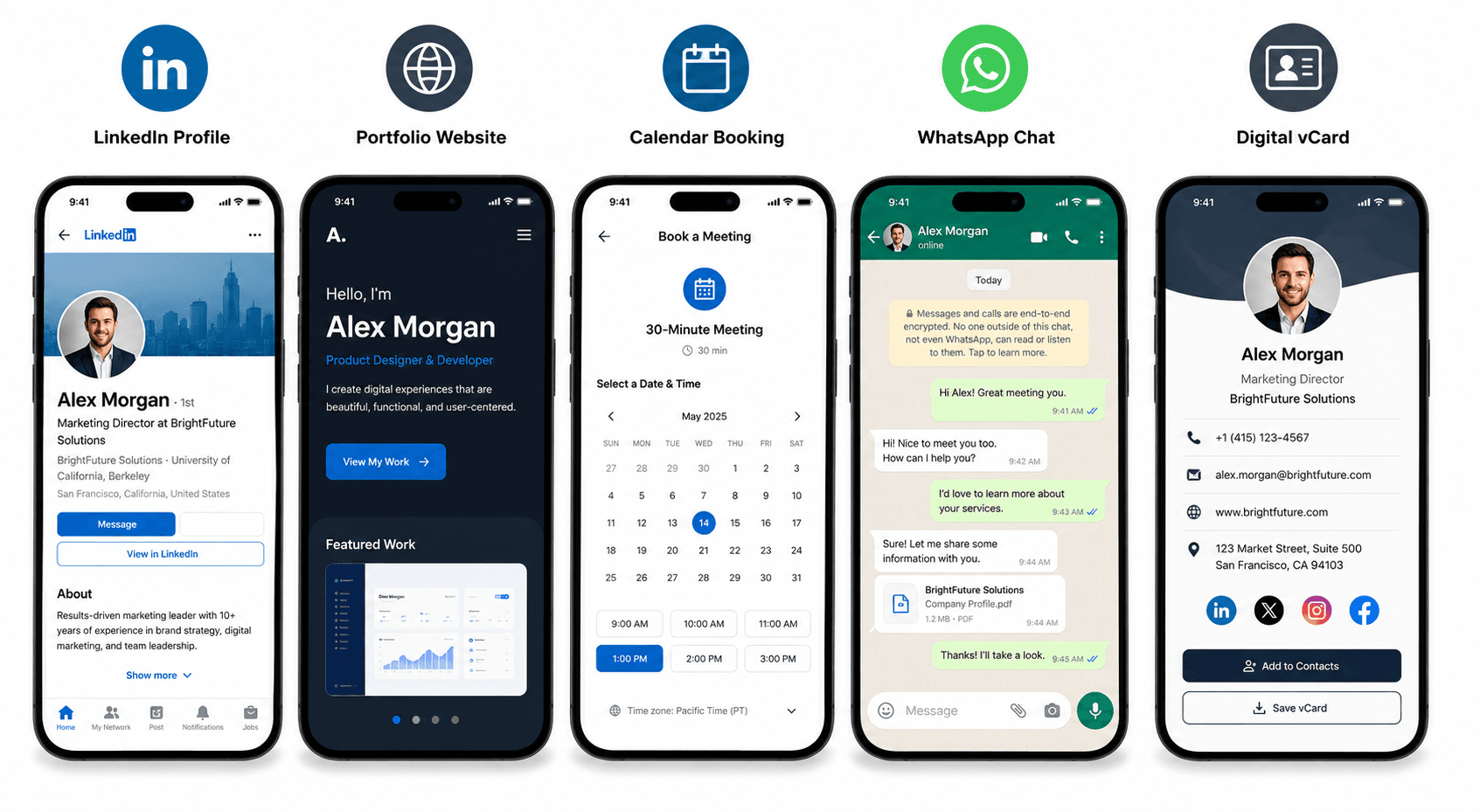
Here are the strongest options, ranked by impact:
- Digital business card (vCard or personal link) — The ultimate option
- Gives contacts your full contact details, social links, and portfolio in one screen
- Allows users to instantly save your contact to their phone with a single tap
- LinkedIn profile — Best for professional trust building
- Perfect for networking events, B2B meetings, and professional outreach
- Creates an immediate social connection that persists after the meeting
- Personal website or portfolio — Ideal for creatives
- Instantly showcases designs, writing, or software engineering portfolios
- Removes the need to describe your work — let it speak for itself
- Booking or calendar link — High conversion for service businesses
- Lets potential clients schedule a consultation call or booking directly
- Reduces scheduling friction over email or messaging
- WhatsApp direct message link — Highly personal and direct
- Opens a chat window directly with your business number prefilled with a welcome message
- Highly effective in mobile-first markets
How to Add a QR Code to Your Business Card
The technical process is simple. The design decisions are where it gets interesting.
- Step 1: Decide on your destination URL first — don't generate the code until you know exactly where it should send people
- Step 2: Create a dynamic QR code on QRJunction (not static — you will want to change the destination eventually)
- Step 3: Download the QR code in SVG format — this scales to any size without quality loss, which is essential for print
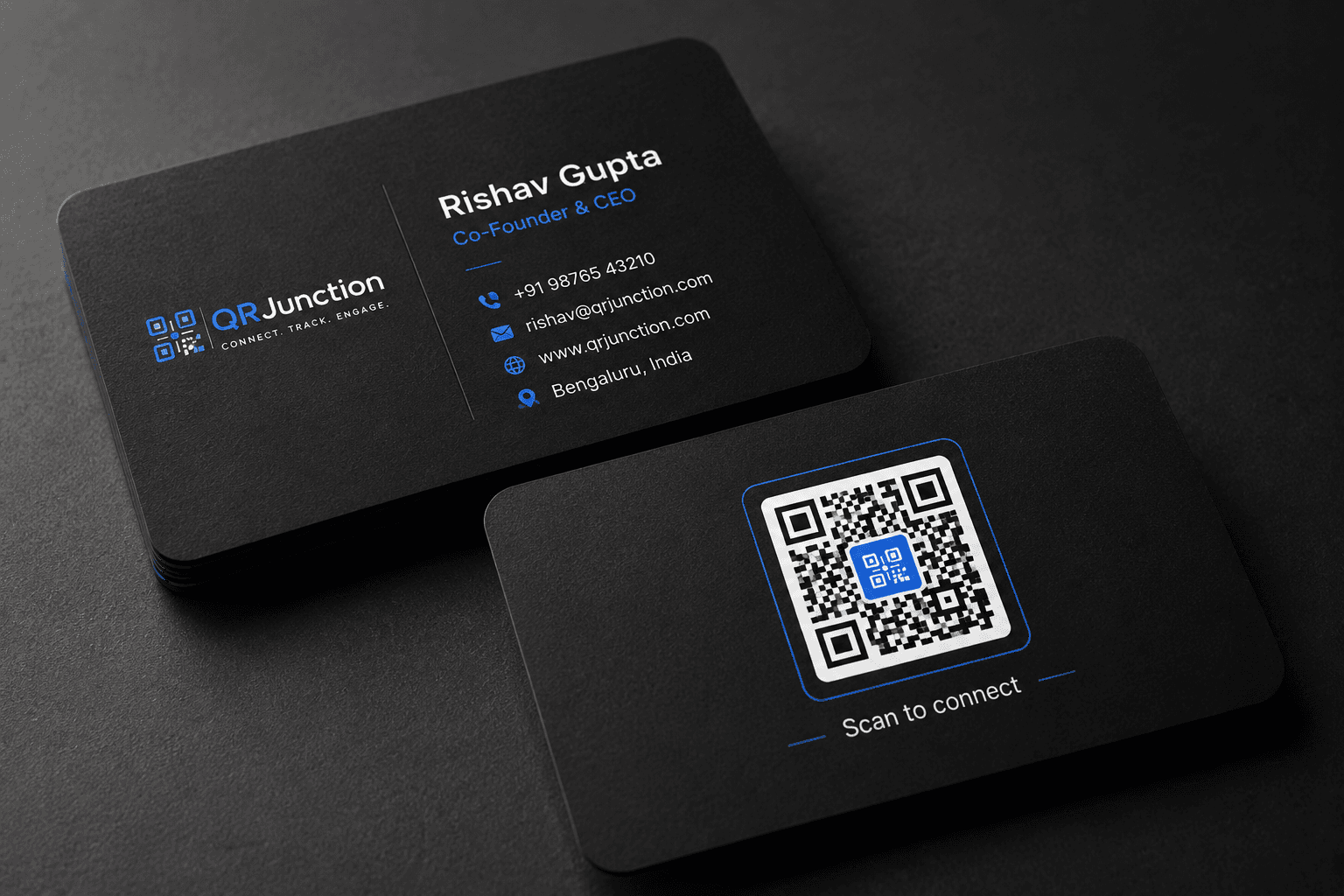
- Step 4: Add the QR code to the back of your business card design — back of card is the standard placement
- Step 5: Include a one-line call-to-action below the code: 'Scan to connect', 'Scan to see my work', or 'Scan to book a call'
- Step 6: Ensure the printed QR code is at least 2cm x 2cm — smaller than this and some cameras will struggle
- Step 7: Test before printing — scan the code from the exact printed size and verify the destination loads correctly
Design Tips for Business Card QR Codes
A QR code that clashes with your card design signals carelessness. A QR code that integrates cleanly signals attention to detail — which is exactly the impression you want to make in a professional context.
- Match the QR code colors to your brand palette — QRJunction lets you customize foreground and background colors
- Add your initials, logo, or a relevant icon to the center of the code — it reinforces brand identity without breaking scannability
- Ensure sufficient contrast between the QR code and card background — light codes on white won't scan reliably
- White-on-dark works but test thoroughly — camera apps vary in how they handle inverted QR codes
- Never compress or scale down a QR code in a design tool — always export at print resolution (300 DPI minimum) and place it at 100% size
Why You Should Only Use Dynamic QR Codes on Business Cards
If you use a static QR code on your business card and you later change jobs, update your portfolio, move to a different website, or rebrand — every card you've printed is now pointing to the wrong place.
With a dynamic QR code, you update the destination in your QRJunction dashboard. The printed code stays exactly the same. Everyone who scans an old card still gets to the right place.
Beyond that, dynamic QR codes on business cards tell you something fascinating: who is actually following up after meeting you. High scan rates from a particular networking event means your pitch is working. Low rates suggest either the event wasn't the right audience — or the card isn't compelling enough to act on.
This is data you simply cannot get from a static QR code. And for anyone serious about their professional network, it's genuinely useful information.
QR Code + Digital Business Card: The Combination That Works
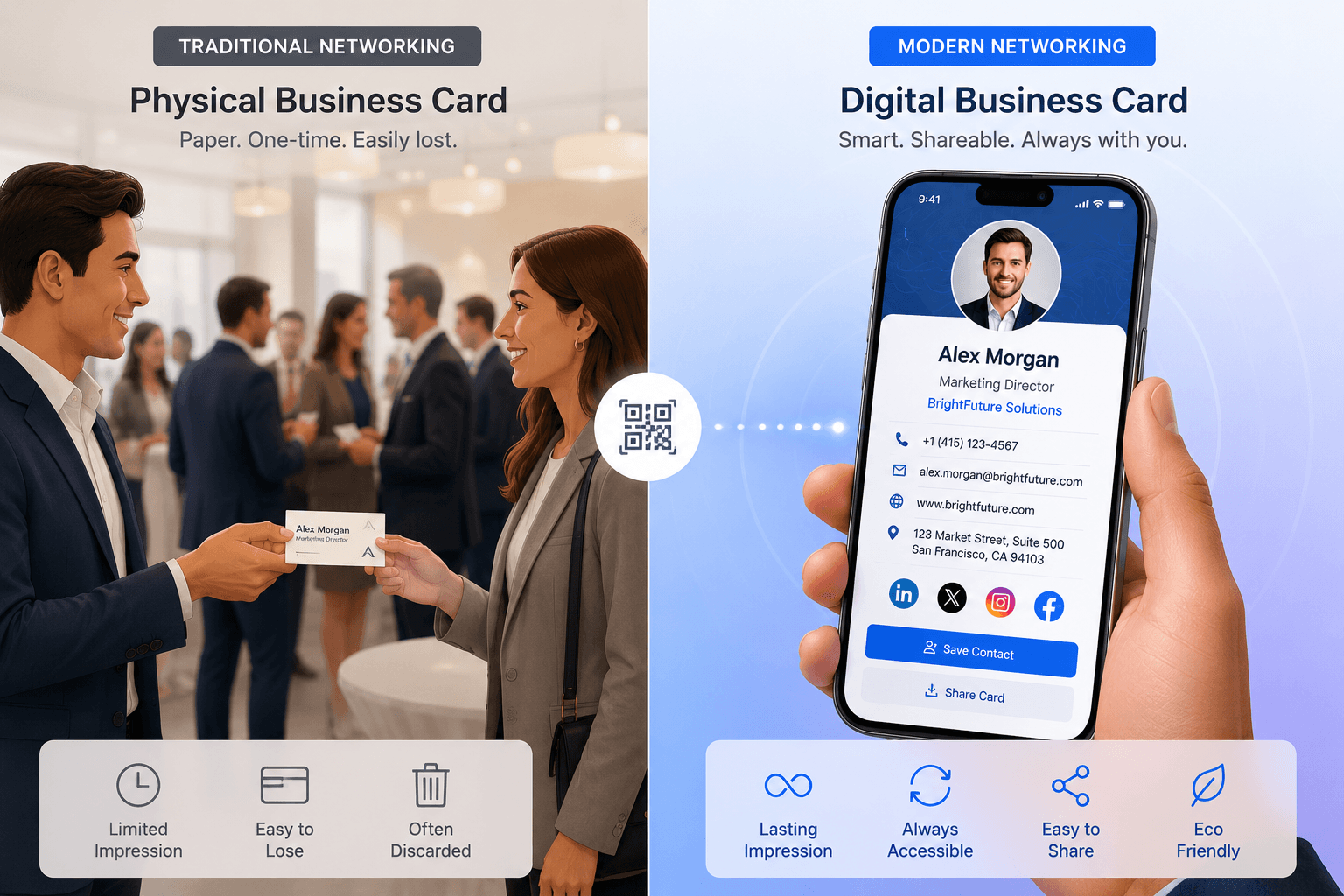
The most effective setup for 2026: a physical card with a QR code that opens a digital business card.
Your physical card gives the human, tactile, memorable first impression. Your digital card — a mobile-optimized page with your photo, links, contact details, and a 'Save to contacts' button — does the actual work of getting saved to their phone.
This combination means you can have a minimal, elegant physical card (which looks more premium) while still delivering comprehensive information digitally. The QR code is the bridge between the two.
QRJunction's personal digital card feature is built exactly for this — create a mobile-optimized card page, generate a QR code for it, and update the content anytime.
Your Business Card Should Do More Than Sit in a Drawer
Most business cards get glanced at once and forgotten. A card with a QR code that leads to something genuinely useful — your work, your calendar, your digital card — gives the recipient a reason to scan it.
That scan is the follow-up. That scan is the conversion. That scan is what turns a five-second handshake into an actual professional connection.
Set up your business card QR code once, make it dynamic, and update the destination as your professional life evolves. The card you printed two years ago will still be working for you.
Create Your Business Card QR Code Free
Create custom vector patterns, integrate dynamic redirection endpoints, and view details.