
Static vs Dynamic QR Codes: Which One Do You Actually Need?
Most people pick the wrong type and only realize it after printing 500 flyers. Here's how to get it right before that happens.

QR Junction Team
Experts in QR code technology and digital solutions
If you've ever created a QR code and then realized you put the wrong link in it — or worse, printed it on physical materials first — you already understand why this topic matters.
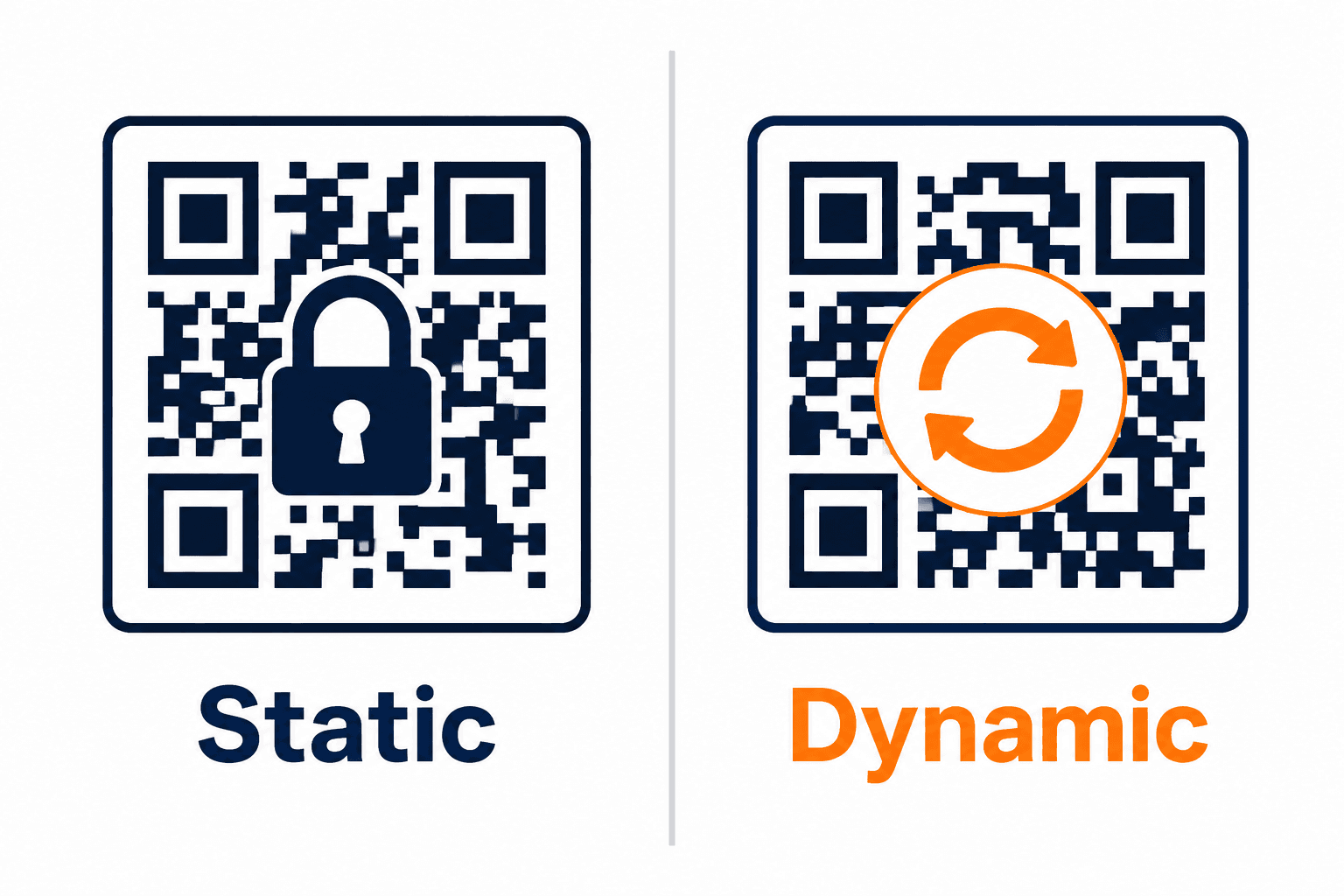
There are two types of QR codes: static and dynamic. They look identical when printed. But under the hood, they work completely differently.
Choosing the wrong one doesn't just waste your time — it can waste your money, break your marketing campaigns, and leave you with zero data about how people are actually using your QR codes.
This guide breaks down exactly what makes them different, where each one belongs, and which type you should be using based on your situation.
What Is a Static QR Code?
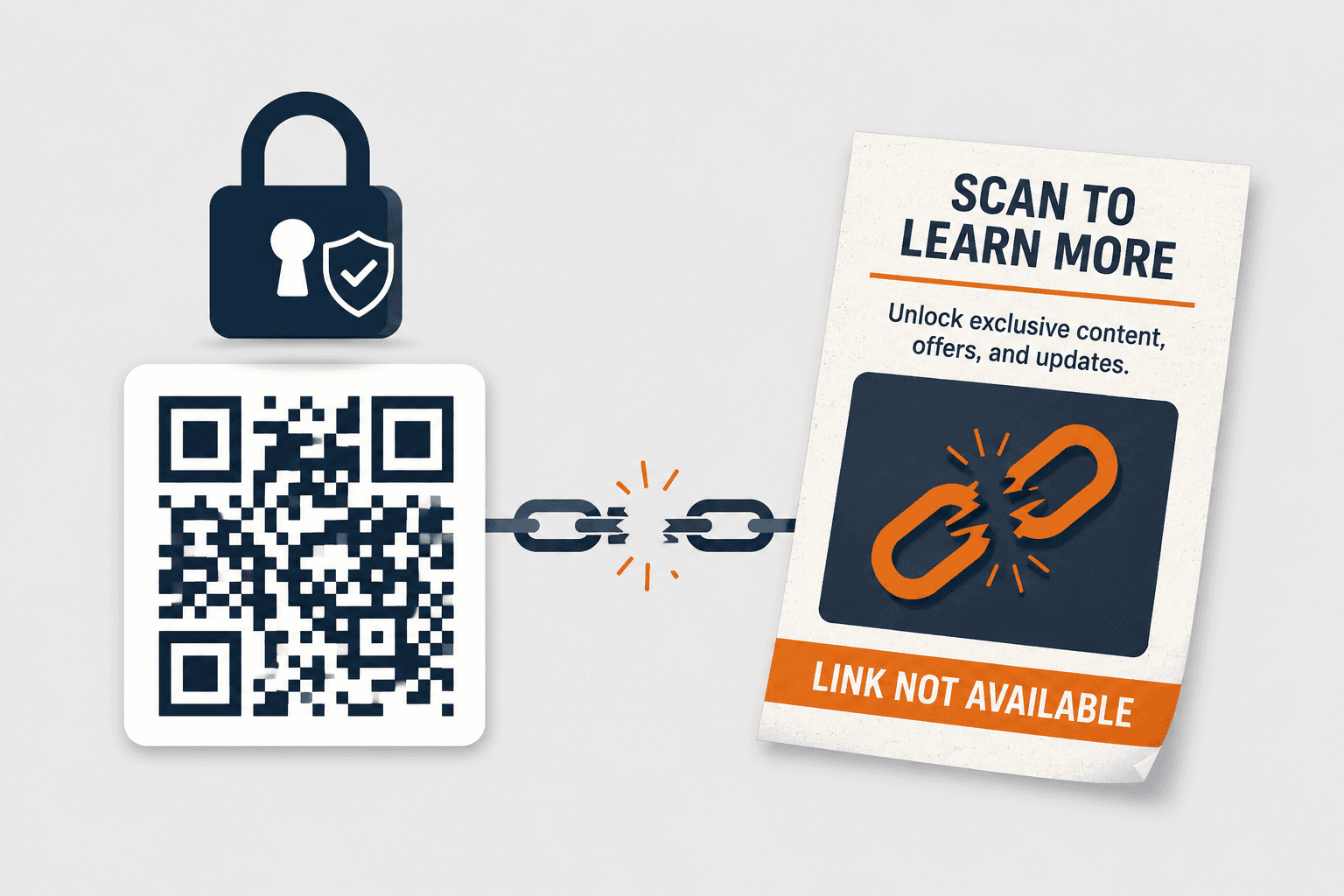
A static QR code has its destination permanently baked into the code itself. Once you generate it, whatever information is encoded inside it — a URL, a phone number, a WiFi password — is locked in forever.
There is no way to change it without generating a brand new QR code. If the link changes, the old QR code is dead.
The upside? Static QR codes are completely free to generate and free to use forever. No subscriptions, no accounts, no backend systems. They just work.
They're ideal for information that genuinely never changes: a personal WiFi password, a permanent product page, a fixed location address, or a plain text message you want to share once.
What Is a Dynamic QR Code?
A dynamic QR code works differently. The code itself doesn't store the final destination. Instead, it stores a short redirect URL that points to a server — and that server redirects the user to wherever you want them to go.
This means you can change the destination anytime, without changing the QR code. The printed code stays the same. The link behind it can be updated as often as you want.
But that's not even the most valuable part. Dynamic QR codes also give you scan data: how many times it was scanned, when, from which device, and from which location. For any business that actually cares about results, this data is non-negotiable.
The tradeoff? Dynamic QR codes require a platform to manage them. That's what QRJunction provides — the infrastructure that makes your QR codes live, trackable, and editable.
Static vs Dynamic QR Codes: Side-by-Side Comparison
Here's a direct, side-by-side comparison of static and dynamic QR codes across the features that actually matter for real-world and business use:
| Feature | Static QR Code | Dynamic QR Code |
|---|---|---|
| Content editable after creation | No — permanently fixed | Yes — update anytime from dashboard |
| Scan analytics & tracking | Not available | Full data: scans, location, device, time |
| Requires internet to function | No — works fully offline | Yes — redirect requires server connection |
| Cost | Free forever | Requires a platform like QRJunction |
| Best for | WiFi passwords, fixed links, personal use | Marketing campaigns, menus, business cards, events |
| Risk if destination changes | Code becomes permanently useless | Zero — just update the redirect |
When Should You Use a Static QR Code?
Static QR codes make sense in specific, narrow situations. Don't overthink it — if the information will never change, static is perfectly fine.
- WiFi network passwords for home or office — your SSID and password rarely change
- Personal vCard or contact information shared at a one-time event
- Product packaging where the link is a permanent, evergreen page
- Academic or educational materials that are printed once and archived
- Any context where the internet may not be available at scan time
When Should You Use a Dynamic QR Code?
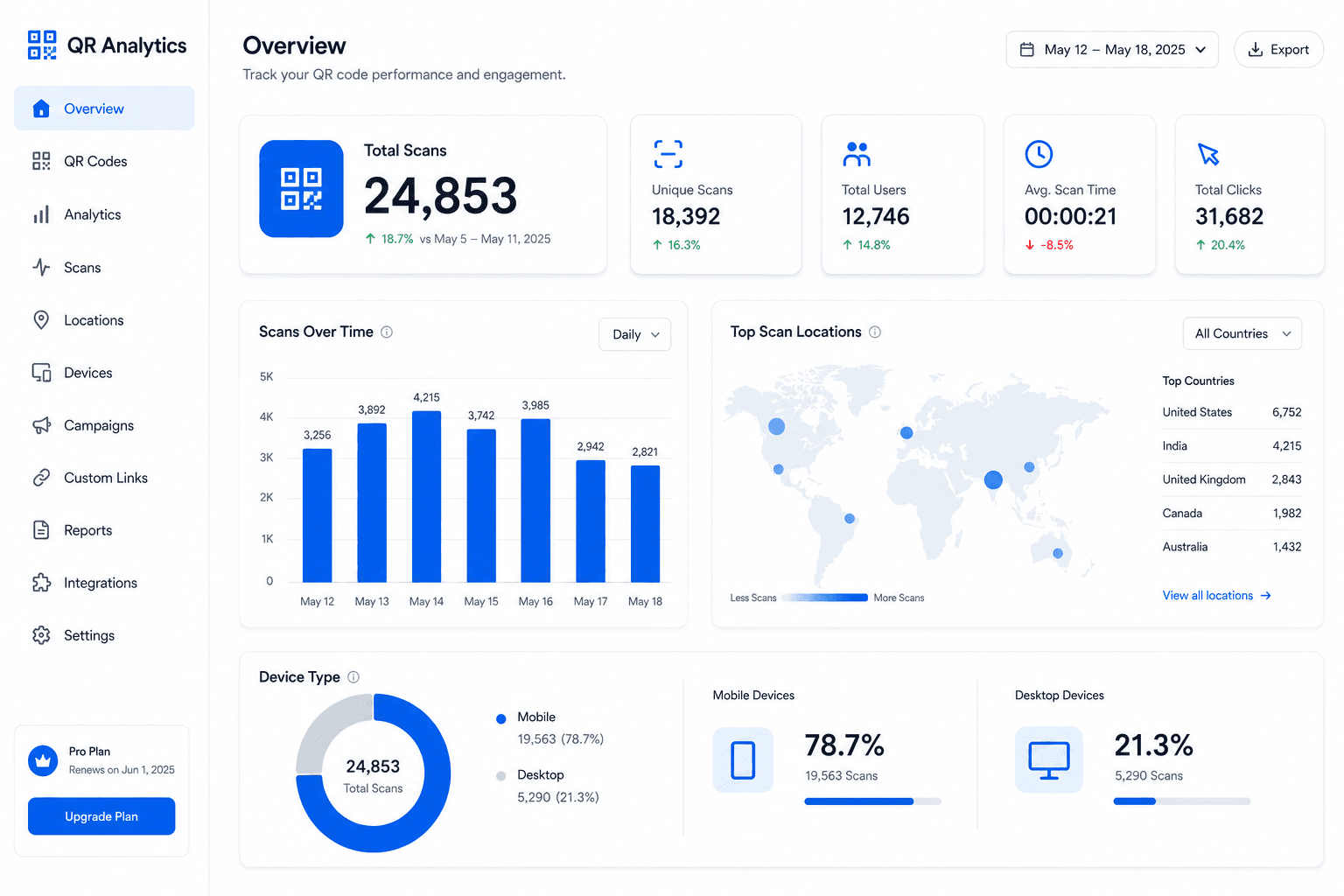
For anything business-related — use dynamic. The ability to edit and the access to analytics are not premium extras. They're the baseline requirements for running any campaign you actually care about.
- Restaurant menus that change seasonally or weekly — update the link, not the table card
- Marketing campaigns across print ads, posters, and packaging where you need scan data
- Event tickets and check-ins where the landing page may change before the event
- Business cards where your portfolio, LinkedIn, or website might change over time
- Google Review or social media links — platforms update URLs, and you need to keep up
- Product launches where you want to A/B test different landing pages
The Most Expensive Mistake People Make
Using a static QR code on printed materials for a campaign.
It happens constantly. Someone generates a free static QR code, prints it on 1,000 flyers or 200 business cards, and then the website URL changes, the campaign ends, or they realize they put the wrong link in. The entire print run is now useless.
A dynamic QR code would have cost a small monthly fee — and saved the entire campaign. The math is not complicated.
The other mistake: using any QR code on printed materials without first testing whether it scans correctly at the exact printed size. Always test before you print.
How QRJunction Handles Both
QRJunction lets you generate both static and dynamic QR codes — and it's built specifically for businesses and marketers who need more than just a basic code.
With QRJunction's dynamic QR codes, you get a real-time analytics dashboard, the ability to update your destination URL at any time, and scan tracking broken down by date, device, and location.
For small businesses managing multiple campaigns, the ability to manage all your QR codes from one place — without reprinting anything — is genuinely valuable. Not as a feature. As a time-saver.
The Bottom Line
Static QR codes are free and permanent. Use them when the information never changes and you don't need data.
Dynamic QR codes are flexible and trackable. Use them for anything in your business — especially anything printed, anything linked to a campaign, and anything you want to measure.
When in doubt, go dynamic. The ability to fix mistakes after printing is worth more than the cost of any subscription.
Create Dynamic QR Codes With Analytics
Create custom vector patterns, integrate dynamic redirection endpoints, and view details.