
Boost Your Facebook Page Engagement & Likes
Seamlessly connect your offline, real-world customers to your Facebook business page, private groups, or personal profile with a single scan. Ideal for local businesses, restaurants, and retail stores.
Did you know?
Brick-and-mortar businesses that place QR codes on their storefronts see a 35% higher page engagement rate, as customers prefer scanning over searching for a business name on the Facebook app.
Loading generator engine...
How to Create a FACEBOOK QR Code
Get your Facebook Link
Open Facebook and copy the full URL to your Business Page, Group, or Personal Profile.
Paste and Generate
Paste the link into the generator above. Our system will automatically format it to ensure it opens correctly on mobile devices.
Brand Your QR Code
Choose Facebook Blue, pick a modern dot pattern, and upload the Facebook logo (or your own) into the center of the code.
Download and Deploy
Download your high-resolution QR code and add it to your marketing materials, business cards, or storefront.
Manual Search vs QR Junction
| Feature | Manual Facebook Search | QR Junction Code |
|---|---|---|
| User Effort | High (typing and scrolling) | Zero (instant point and scan) |
| Accuracy | Low (might find competitors) | 100% accurate destination |
| Speed | Takes 15-30 seconds | Takes 2 seconds |
| Visual Appeal | Just plain text | Branded visual asset |
Where to use your FACEBOOK QR Code
Storefront Windows & Signage
Encourage passing window shoppers to check out your page for authentic customer reviews, updated holiday hours, and upcoming promotional events even when your store is closed.
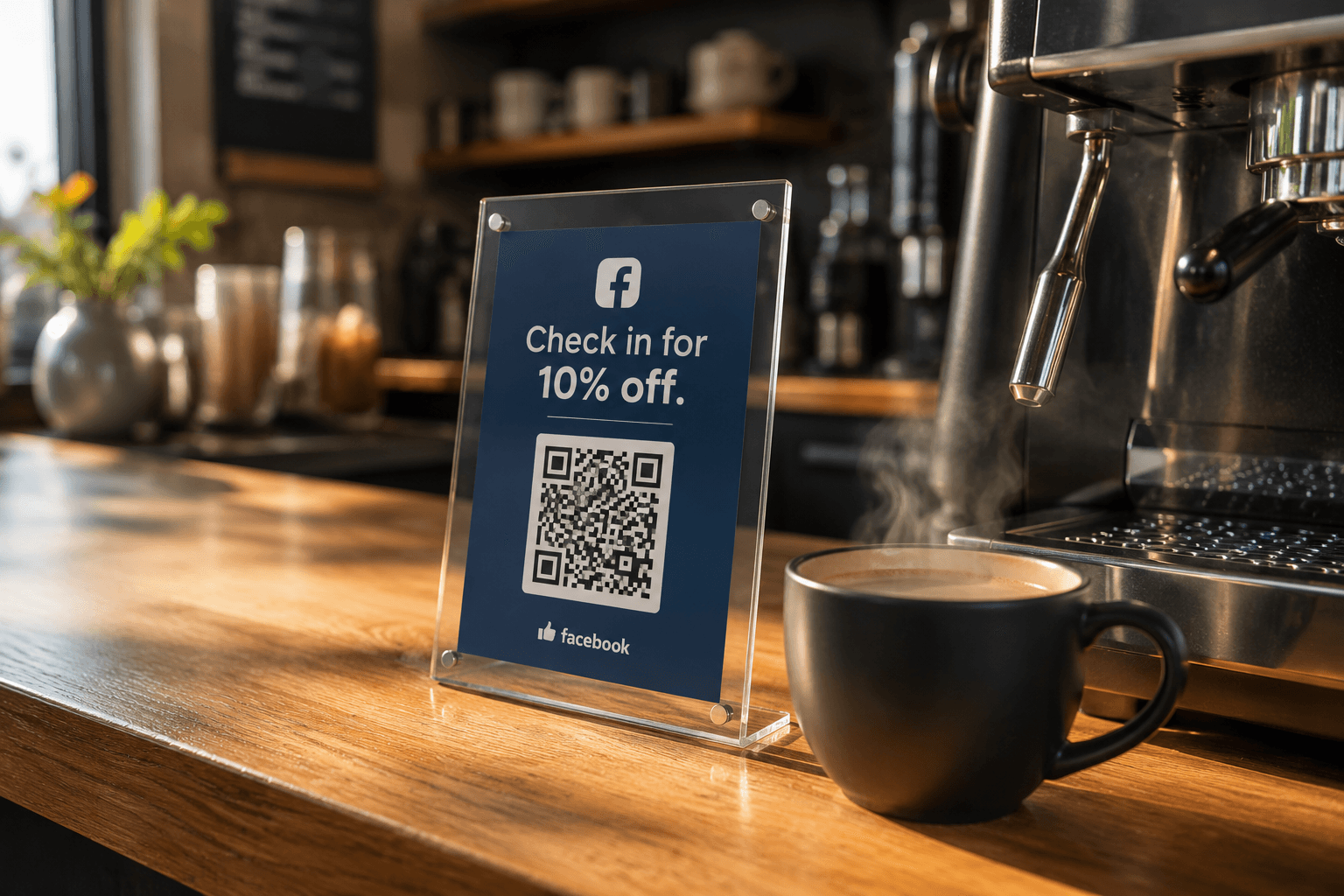
Restaurant Menus for Check-ins
Place a QR code on your tables asking diners to "Check-in on Facebook for a free dessert". This turns every customer into an active promoter of your restaurant.
Product Inserts & Packaging
Ask highly satisfied customers to leave a positive 5-star review or join your VIP Facebook Group by scanning the insert card tucked right inside their unboxing experience.
Why choose this format?
Seamless Direct Connection
Completely bypasses the clunky Facebook search bar, which often leads users to competitor pages or similarly named businesses, landing them directly on your intended page.
Increased Authentic Reviews
Makes it incredibly simple and frictionless for customers to leave positive feedback on your business page immediately after a great in-store experience.
Powerful Community Building
Easily invite physical customers to join your private VIP Facebook Groups to build a loyal, dedicated community around your brand or niche.
Call-to-Action Examples that Convert
Never print a QR code without a reason to scan. Try these proven CTAs.
"Scan to Like Our Page"
Simple, direct, and effective for building a basic following.
"Check-in on Facebook"
Highly effective for local businesses wanting to increase visibility among their customers' friends.
"Join our VIP Group"
Perfect for e-commerce brands building a loyal community.
Tips for Printing Facebook QR Codes
Follow these essential tips before you send your Facebook QR code to the printers.
Size Matters
Never print the QR code smaller than 2cm by 2cm. For most flyers and table tents, 4cm is the sweet spot.
Use High Contrast
A dark blue (Facebook Blue) code on a white background works perfectly. Avoid light colors on light backgrounds.
Include a Call to Action
Don't just print a lonely QR code. Add text like "Like us on Facebook" or "Join our Community" right above it.
Frequently Asked Questions
Everything you need to know about generating and using facebook QR codes effectively.
Can I use this to link to a private Facebook Group?
Yes! You can enter your specific Group ID or the full Group URL to direct users straight there, allowing them to instantly request to join the community.
Will this open the mobile browser or the Facebook app?
Most modern iOS and Android smartphones will recognize the link and prompt the user to open the destination directly within their natively installed Facebook app for the best experience.
Is generating a Facebook QR code free?
Absolutely. Generating, customizing, and downloading a static Facebook QR code is 100% free with zero hidden costs on our platform.
How do I find my Facebook Page URL?
Go to your Facebook Page on a computer or mobile browser and copy the entire web address from the address bar (e.g., https://www.facebook.com/yourbusinessname).