
How to Create a QR Code Menu for Your Restaurant (Without Reprinting Every Week)
A QR code menu is not a photo of your laminated card. It is a live page on a phone, tied to a printed square that you can keep using after the dal makhani price changes.

QR Junction Team
We build QR tools that restaurants actually print and use.
Last monsoon a cafe in Koregaon Park reprinted forty table tents because someone typed the wrong Google Drive link. The PDF still opened. The biryani price on it was from March. Guests kept asking waiters what actually cost what. That is the usual QR code menu story, and it has almost nothing to do with QR codes.
A restaurant QR code is only a printed shortcut. What matters is the page it opens, whether you can change that page after the print run, and whether you can see which tables even bother scanning.
This guide is the setup we tell kitchen owners to follow: a real digital menu, a QR code menu that points at it, print sizes that scan from a seated distance, and a split between one house QR and per-table codes if you care about numbers.
HTML menu vs PDF vs a photo of the paper menu
You will see generators that say “upload PDF, get QR.” That is fast. It is also why half the codes in Indian restaurants feel cheap. Phones tolerate PDFs. Guests do not.
| Format | Loads on a phone | Update a price | Search / veg filter | Verdict |
|---|---|---|---|---|
| Photo of a paper menu | Slow, blurry, glare | Reprint or re-upload | No | Skip |
| Hosted PDF | Pinch-zoom, heavy file | Replace the file, hope cache dies | No | Stopgap only |
| HTML digital menu | Fast, scrollable | Edit once, every table updates | Yes | Use this |
How to make a QR code for a menu, in order
Do the content first. Generating the square takes a minute. Cleaning a messy menu after you printed it takes a week of complaints.
- Step 1: Write the menu as data — category, item, price, one-line description, veg / non-veg / vegan. If GST is in the price, say so. If it is extra, say that too.
- Step 2: Put it on a mobile page — QR Junction’s restaurant suite does this for you at /dashboard/restaurant/menu. You can also paste a URL into the menu QR code generator if you already host a page.
- Step 3: Generate a dynamic restaurant QR code — the printed pattern should encode a short link you can edit, not the final menu URL baked into the squares.
- Step 4: Download SVG for print, PNG for WhatsApp status — SVG stays sharp on a tent, a window sticker, and an A3 poster. PNG is fine for stories and the Google Business photo.
- Step 5: Test before the print shop — iPhone and a cheap Android, from the actual chair, under the actual lights. If it fails on your own phone, it will fail on a guest’s.
If you already have a paper or PDF menu
Typing eighty dishes by hand is how these projects die on day one. Photograph the current card or upload the PDF, then review what the scanner extracted. Names go wrong. ‘H’ and ‘F’ for half and full get eaten. Prices drop a zero.
Treat the scan as a first draft, not the live menu. You still need a human to fix spellings, mark Jain options, and hide the item you ran out of at lunch. QR Junction’s scanner is built for that review step: extract, edit, then import into a menu you can keep changing.
Print size, quiet zone, and why glossy tents fail
A pretty code that does not scan is worse than no code. Guests feel stupid, and they blame you.
Rule of thumb we use: printed size in centimetres should be about scan distance in centimetres divided by 10. A table tent scanned from 40 cm needs a 4 cm square, minimum. Window glass scanned from a metre needs 10 cm. Business-card size on a table is how you get “it’s not working” during Saturday rush.
Leave a quiet zone — a plain margin around the code, at least four modules wide. Do not crop it to the black squares. Do not print it on dark wood grain with no backing.
Matte lamination beats glossy. Downlights plus gloss equals a white blob where the camera needs contrast. If you already printed glossy, tilt the tent or swap the insert. Do not tell guests to “try again at an angle” as if that is a feature.
One restaurant QR code vs one code per table
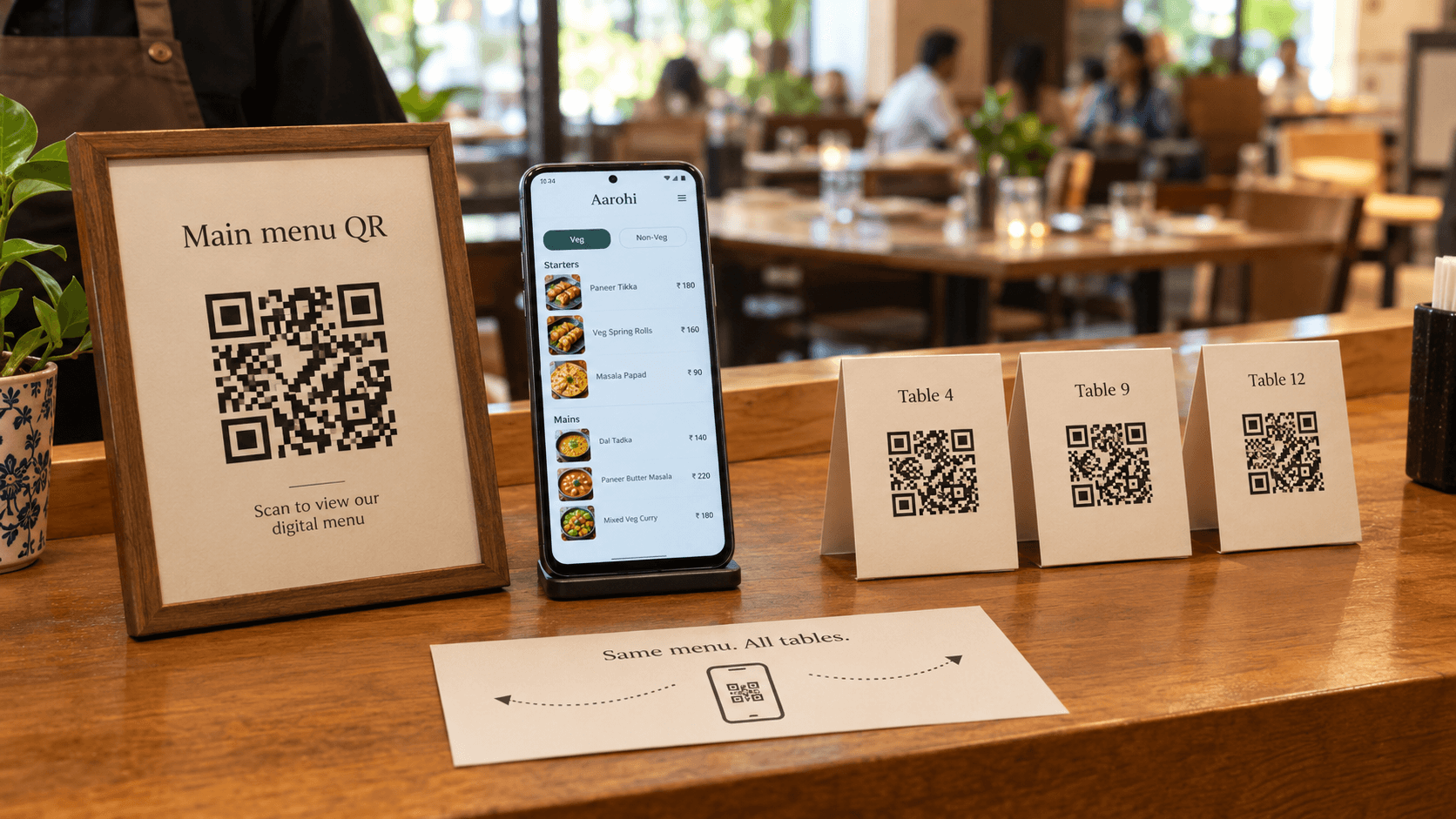
Start with one house code if you just need the menu live. Same SVG on every tent. Easy to reprint.
The moment you ask “is the window QR doing anything?” you need separate codes. Same menu page. Different short links. Then scan tracking can tell you table 12 is dead and the takeaway counter is not.
QR Junction creates a menu QR automatically, and a unique code when you add a table. The public page can show the table number so kitchen tickets and feedback are not a guess.
What guests should see after they scan
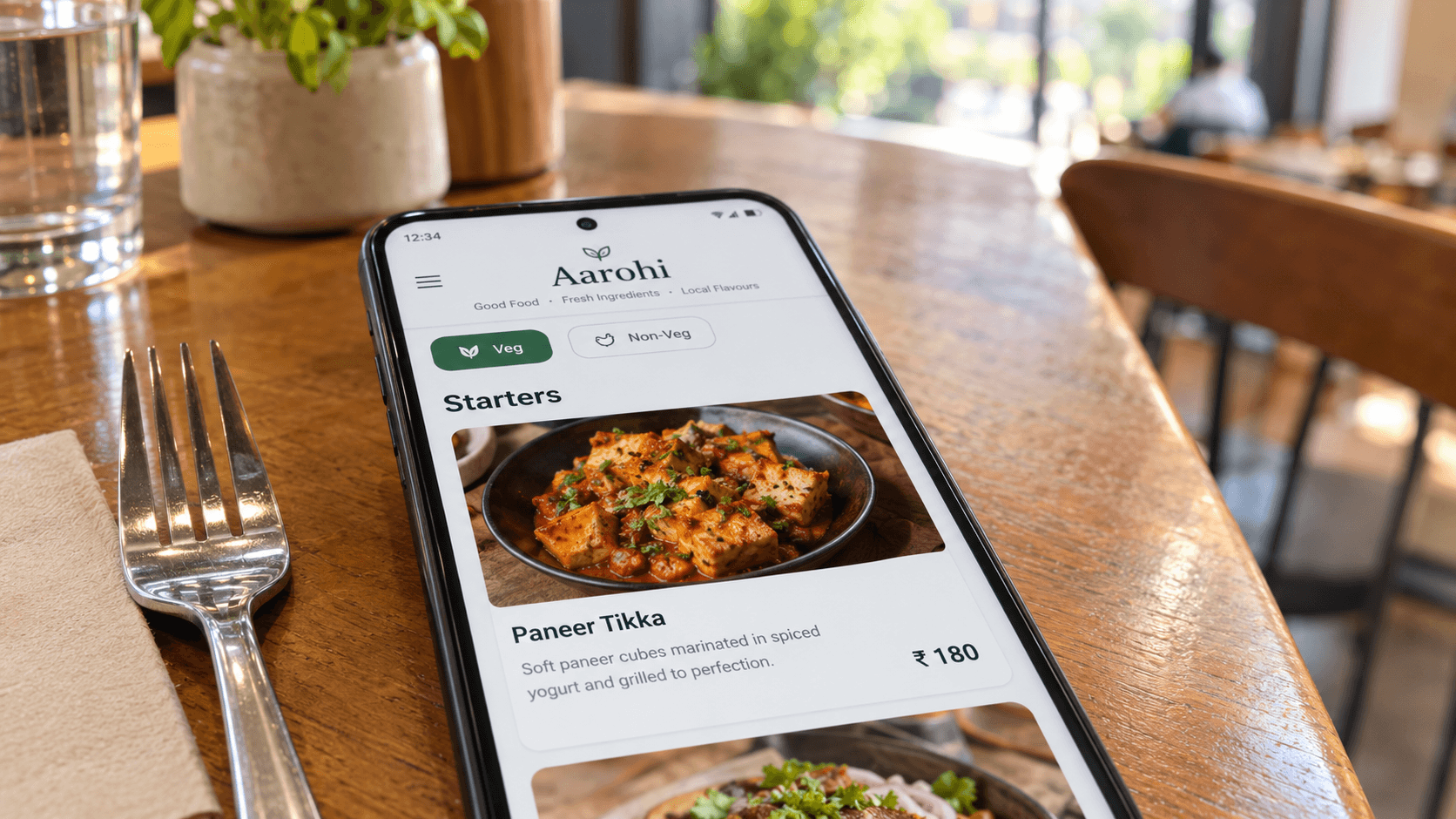
The page has to work on a 2019 Android with a cracked screen. That means large type, no horizontal scroll, prices next to names, and photos that are compressed. A five-second load on cafe WiFi is already too slow.
Filters help more than fancy themes: veg, non-veg, popular. Categories should jump, not sit in one endless list. If you charge GST on top, show it. If a dish has half and full, put both prices on the item, not in a footnote nobody reads.
Where to put the restaurant QR code
Table tents are the default. They are also the easiest to steal, swap, or cover with a fake sticker. Check them when you wipe tables. Print your domain or restaurant name under the code so a swapped tent looks wrong.
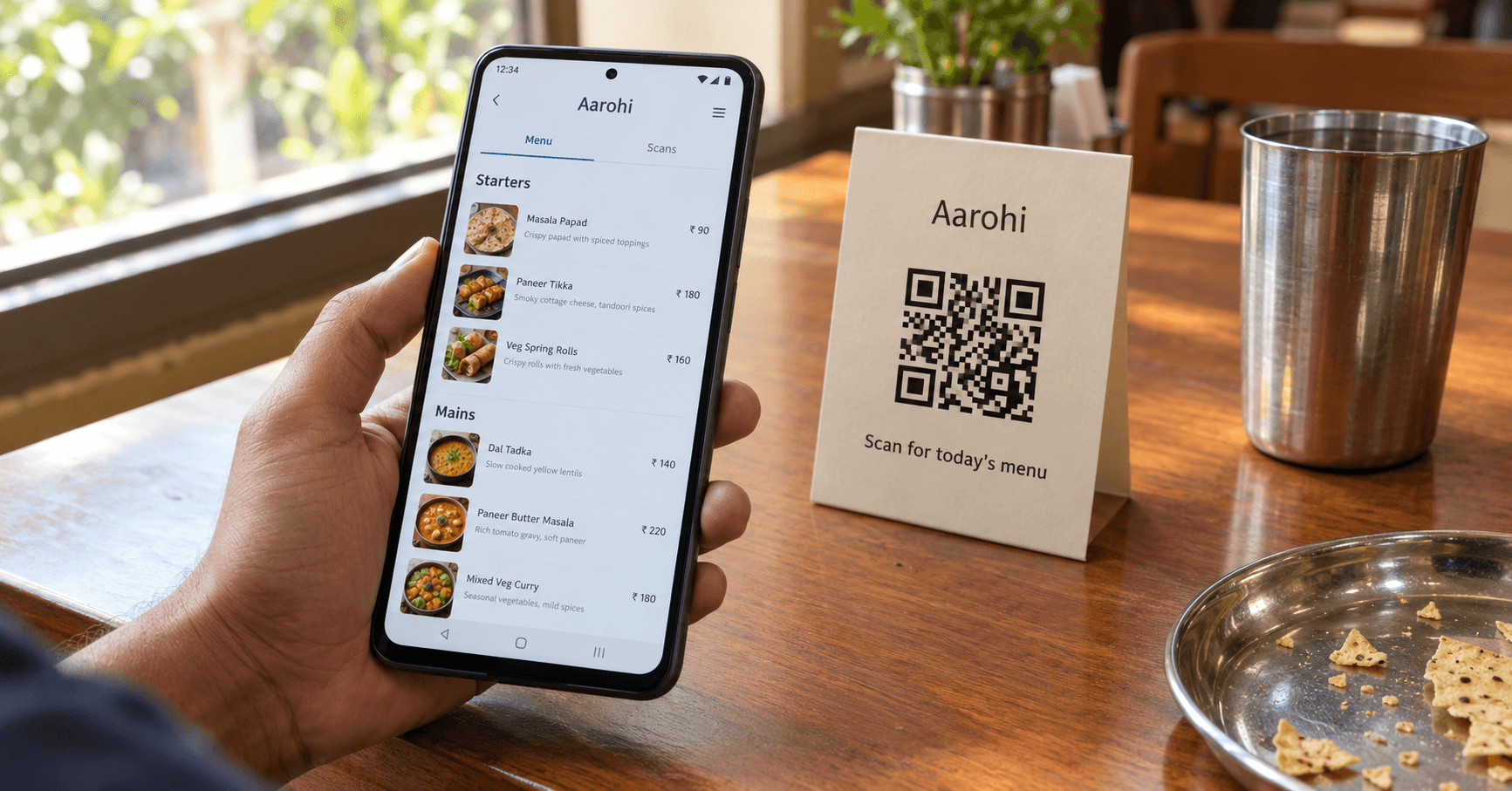
- Table tent — 4–5 cm code, “Scan for today’s menu”, matte insert.
- Window or door — larger code for standing distance, useful for takeaway and people deciding whether to walk in.
- Takeaway bag — the same dynamic code; update it for a weekend thali without reprinting bags.
- Hotel room service card — nightstand, not the TV bezel where reflections kill the scan.
- Google review follow-up — different code, different job. Put the Google review QR on the bill, not on the menu tent.
Mistakes that waste a print run
Static codes on seasonal menus. You will change the menu. The tents will outlive the item list.
Linking to Instagram because “that is where the photos are.” Instagram is not a menu. Prices vanish, posts reorder, and the app login wall shows up.
One tiny code for drinks, food, and the bill QR. Split jobs. Menu is menu. Payment is payment. Reviews are reviews.
Never testing on Android. iPhone cameras are generous. The Pixel on 20% brightness in a dark corner is the real customer.
Print the square last
Get the page right. Then generate the restaurant QR code. Then print one tent and sit in the worst-lit seat you have. If that scan feels obvious, print the rest.
When the dum aloo runs out, hide the item on the page. The tents stay. That is the whole point of a QR code menu.
Frequently asked questions
Is a QR code menu free to create?
You can generate a menu QR code without paying for the image itself. Hosting a proper digital menu, editing it, and tracking scans is what the restaurant dashboard is for. A Drive PDF is “free” until you reprint because the link broke.
Can I update prices without reprinting the table tents?
Yes, if the QR code is dynamic. The printed square stays the same. You change the live menu page. Static codes that encode a PDF URL cannot be edited after print.
Can customers order and pay through a QR code menu?
This setup is for viewing the menu. Ordering and payments need your own POS or UPI flow. Do not mix a payment QR into the menu tent unless you want confused scans and mixed analytics.
Does a QR code menu work on iPhone and Android?
Yes. Built-in cameras on current iOS and Android read standard QR codes. The page behind the code must be mobile-friendly or the scan still feels broken.
Should I use one QR for the whole restaurant or one per table?
One house code is enough to launch. Add per-table codes when you want to track which tables scan or show a table number on the menu.
Is a PDF menu okay if I already designed one in Canva?
Use it as a backup on the host stand, not as the scan destination. Convert the dishes into a page guests can scroll. PDFs waste the reason you put a QR on the table.
How do I stop someone sticking a fake menu QR on my tent?
Print your restaurant name under the code, use inserts that are annoying to peel, and glance at tents during service. A sticker on top of a sticker is the usual trick.
Related guides
Best QR Code Generator for Restaurants in India (It Is Not a PDF)
Indian restaurants buy three different products thinking they are one: a PNG of a Drive file, a live HTML menu, and a full QR ordering POS. Only one of those is “a QR menu.” We sell the middle one. Checked against how cafes actually print, 26 Oct 2026.
Static vs Dynamic QR Codes: Which One Do You Actually Need?
They look identical on paper. One dies when the URL changes. The other you can edit — and count. Pick before you print 500 flyers.
How to Create a Google Review QR Code for Your Business
Happy customers mean to review you. They do not. A QR on the bill opens the form while they still care.
Create your restaurant QR code menu
Create custom vector patterns, integrate dynamic redirection endpoints, and view details.